
If you by mistake happened to have archived a control activity that should not have been archived, you can undo this action simply by unarchiving it.
Unarchive one or more activities
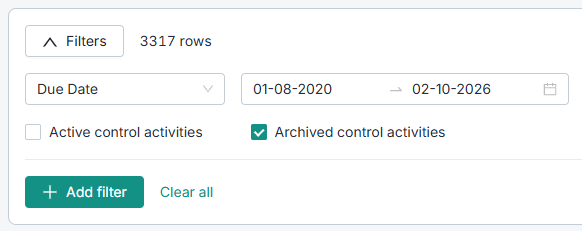
- Go to the activity list and find your archived activities.
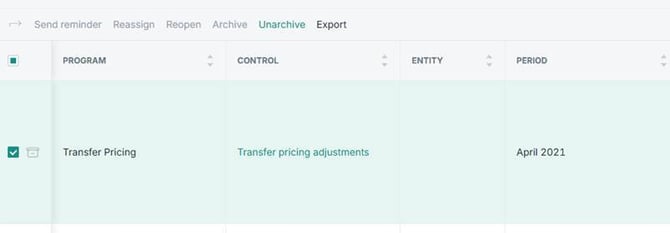
- Select the activities that you would like to unarchive by ticking off the green box, and click "Unarchive".
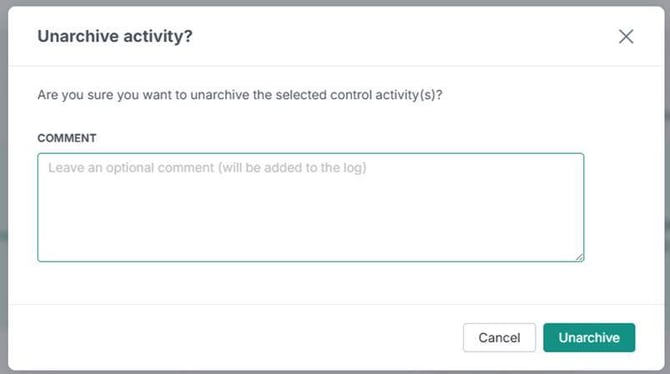
- A pop-up appears in which you can add a comment. Click the green "Unarchive"-button, and the activity will now be unarchived.
Unarchive directly from the control activity
If you are already standing in a control activity, which you see has been archived by mistake, you can also unarchive this directly from here.
- Click on "Unarchive" in the top, right corner.

Note: The unarchive feature is only available if you have edit access to a Control Program or Entity, or if you have the Admin role.
Learn more: