- Navigate to "Your programs" in the top menu of the Dashboard

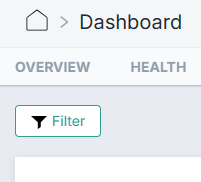
- Click on "Filter" in the top, left corner.
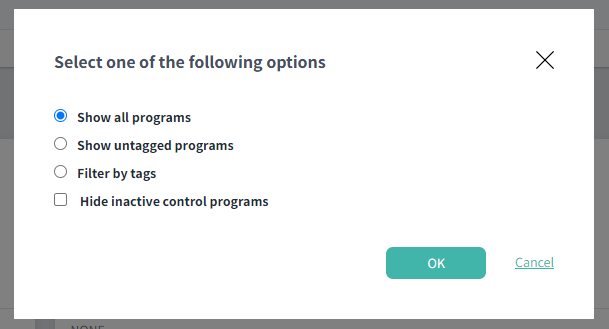
- A pop-up appears, and you can now filter the view of your programs by tags, find all the untagged programs, or see all programs in your responsibility area.
Learn more: